


TL;DR
- The 80% Rule: Any iPhone with battery health below 80% will suffer from performance throttling and sudden shutdowns.
- Avoid Boosted Batteries: Learn how to detect if a shopkeeper has used a hardware programmer to fake a 100% battery health reading.
- Originality Check: Use the built-in iOS Parts and Service History tool to see if the screen or camera are genuine Apple parts.
- The 3uTools Hack: Connect the device to a PC to get a full report on every internal component and its serial number matching.
- PTA Security: Always verify the IMEI on the official DIRBS app to ensure the phone will not be blocked after sixty days.
- Our Guarantee: We at Wise Market Pakistan offer a 14-day money-back guarantee so you can test these specs thoroughly at home.
You are standing in a crowded mobile market in Karachi or Lahore, holding what looks like a perfect iPhone 13 Pro Max. The shopkeeper is smiling, telling you the battery is at 100% and every part is genuine. You hand over two lakh Rupees, feeling like you got a bargain, only to find the phone overheating in your pocket an hour later. By the time you reach home, that so-called perfect battery has dropped from 90% to 20% in just thirty minutes of light scrolling.
This is a nightmare scenario that thousands of buyers in Pakistan face because they do not know how to look past a shiny exterior. The local market for mobiles and tablets is full of kit phones that have been assembled from three different broken devices. You might be buying a screen from a stolen unit and a battery that was pulled from a scrap heap.
We want to help you become an expert buyer so you never lose your hard-earned money to a scammer again. Checking the authenticity of a used iPhone is not just about looking at the settings menu; it is about knowing where the fakes are hidden. Let us look at the professional steps to verify your next device before you let go of your cash.
Why is checking iPhone Battery Health the First Thing You Should Do?
The battery is the heart of an iPhone, and once it starts to fail, the entire user experience goes down the drain. Apple designed iOS to slow down the processor if the battery cannot provide enough peak power. This means a phone with degraded battery health will feel laggy, slow to open apps, and might even crash during a phone call.
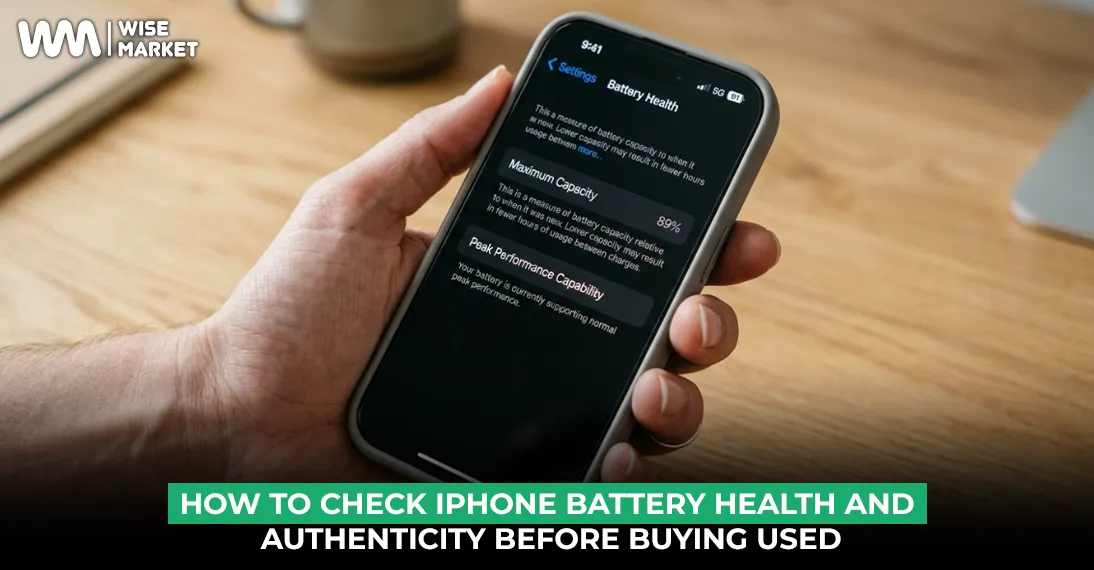
Actually, you should always look for a battery health percentage between 87% and 95% for a used device that is a few years old. If a two-year-old iPhone shows exactly 100%, you should be immediately suspicious because batteries naturally lose capacity over time. A perfect score on an old phone often signals that someone has tampered with the internal settings.
We suggest checking the peak performance capability right under the battery health percentage in the settings menu. If it says anything other than “Your battery is currently supporting normal peak performance,” the phone is essentially a lemon. It is a smart move to avoid any device that shows “Service” or “Unknown Part” in this section.
How to Spot a Boosted Battery Percentage Scam?
Shady technicians use a small hardware device called a JC Programmer to reset the battery’s cycle count and health percentage to 100%. They take a worn-out battery and trick the phone’s software into thinking it is brand new.
A boosted battery will show 100% in the settings, but will drain at an unnatural speed during use. You can often detect this by checking the Battery Usage graph over the last 24 hours. If the line drops sharply while the screen is off, the battery is likely a dud that has been reprogrammed.
| Battery Status | What You see | What It actually Means | Human Observation |
| Genuine Used | 88% to 92% | Normal wear and tear. | The most honest and safe bet. |
| Factory New | 100% | Only for box-packed units. | Very rare in the used market. |
| Reprogrammed | 100% | A fake chip reset. | The percentage drops 5% in a minute. |
| Service Warning | Below 80% | Chemically degraded. | Needs an immediate replacement. |
What are the Signs of a Fake or Replaced iPhone Screen?
The screen is the most expensive part to replace, which is why scammers often swap original OLED panels for cheap LCD replicas. A fake screen will have washed out colours and much thicker black borders (bezels) at the bottom of the display. It also consumes much more battery and can make the phone feel much warmer during use.
The easiest way to check for a replaced screen is by looking for the “True Tone” feature in the control centre. If you long-press the brightness bar and the True Tone toggle is missing, the screen has definitely been changed. While some technicians can copy True Tone to a fake screen, it is still the first red flag to look for.
You should also check the Face ID functionality very carefully. Face ID is tied to the original screen and motherboard; if the screen was replaced poorly, Face ID will stop working forever. If a seller tells you “Face ID is just a software issue,” they are lying to you to hide a major hardware repair.
How can you verify if the Internal Parts are Original?
Since the release of iOS 15, Apple has added a “Parts and Service History” section in the settings menu under “General” and “About.” If a part like the camera or battery has been replaced with a non-Apple component, it will show as an “Unknown Part.” This is a built-in whistleblower that tells you exactly what has happened to the phone.
- Genuine Apple Part: This means the repair was done at an official centre with real components.
- Unknown Part: This signals a cheap third-party replacement or a part pulled from another model.
- Missing Section: If the phone has never been repaired, this section will not even appear.
- Camera Test: Open the camera and zoom to 0.5x and 5x; if the switch is not smooth, the lenses might be fake.
Many sellers in local markets try to hide this by rooting the device or staying on very old software versions. Always insist on updating the phone to the latest iOS version before you finalize the deal. A fresh update will often clear any software masks and reveal the “Unknown Part” warnings that were hidden.
How can Software Tools Like 3uTools Help You Uncover the Truth?
If you want to be 100% sure about your purchase, you need to bring a laptop with you to the shop. 3uTools is a free software that reads the unique serial numbers of every single chip inside the iPhone. It compares the serial numbers currently in the phone to the ones the phone had when it left the factory in California.
When you run a “Verification Report,” you want to see a wall of green “Normal” tags. If any part shows a red “Part replaced” or “Serial number mismatch,” you know the phone has been tampered with. It can even tell you if the motherboard has been repaired or if the phone was originally a different colour.
We use these professional diagnostic tools at Wise Market Pakistan for every device we accept into our inventory. We know that the eyes can be deceived, but the digital serial numbers never lie. This level of transparency is why we encourage our community to always ask for a 3uTools report before buying high-end mobiles and tablets.
Why is the PTA Status just as Important as the Battery?
In Pakistan, a phone with a perfect battery is still useless if it cannot connect to Jazz or Ufone. The DIRBS system will block any device that has not paid the FBR import taxes within sixty days. Many Non-PTA phones are sold at a discount, but the tax can often be more than the price of the phone itself.
Always dial *#06# and enter the IMEI into the official PTA DVS app yourself. Do not trust a screenshot from the seller, as these are very easy to fake with a bit of photo editing. Ensure the model name on the app matches the phone in your hand; sometimes, IMEIs are cloned from cheap feature phones onto iPhones.
Properly checking the PTA status ensures your investment remains a phone and not just a very expensive Wi-Fi camera. This is where it gets tricky because some patched phones will show as approved for a few weeks and then get blocked. Stick to officially cleared units to avoid the stress of a sudden signal loss in the middle of a workday.
Why Should You Trust us at Wise Market Pakistan for your Purchase?
We know that navigating the used market for mobiles and tablets in Pakistan feels like walking through a minefield. That is why we have built a platform that puts the risk on our shoulders rather than yours. We only stock devices that have passed our rigorous 70-point quality and authenticity inspection.
Our 14-day money-back guarantee is our way of telling you that we stand behind every single iPhone we sell. You can take the phone home, run your own 3uTools reports, and check the battery health in real-world usage. If anything does not match our promise, we take the device back without any annoying questions or delays.
We also provide free nationwide delivery, so you can get a verified, high-quality iPhone, whether you are in Multan or Mardan. We are your partners in finding premium technology that is honest, legal, and built to last. Visit Wise Market today and discover a better way to buy used tech with total peace of mind.
Frequently Asked Questions
1. Is it okay to buy an iPhone with 85% battery health?
Actually, yes, 85% is still considered “Peak Performance” by Apple standards. You will still get a full day of use out of it, provided you are not a heavy gamer. It is a much more honest and reliable number than a suspicious 100% on an older model.
2. Can I trust a local shop’s warranty check?
To be honest, most local shop warranties are only verbal and very difficult to claim if a major fault occurs. They will often blame water damage or misuse to avoid a refund. It is always better to buy from a professional e-commerce platform that has a written return policy and a physical presence.
3. Does a replaced screen affect the value of the iPhone?
Yes, significantly. Even if the replacement is a genuine Apple part, a phone that has been opened is always worth 15% to 20% less than a factory-sealed unit. This is because the water resistance of the phone is usually compromised once the original factory seal is broken.
Choosing the right used device is a smart move for your budget and your digital life. Your tech deserves to be authentic, powerful, and legally cleared for use in Pakistan. Keep reading our blogs to stay updated on the latest tech, pricing updates, and market trends in Pakistan.